Step 1
Start with the paperwork you already have.
Upload the survey and it lays flat on the ground in the 3D model at real scale. Upload the engineer's layout and the dimensions read in. Build the enclosure and pool right on top.
A survey like this one.
Any boundary survey or site plan, as a PDF or a photo. This is a sample job we use to show the app. Your seat starts empty and you upload your own surveys and layouts.
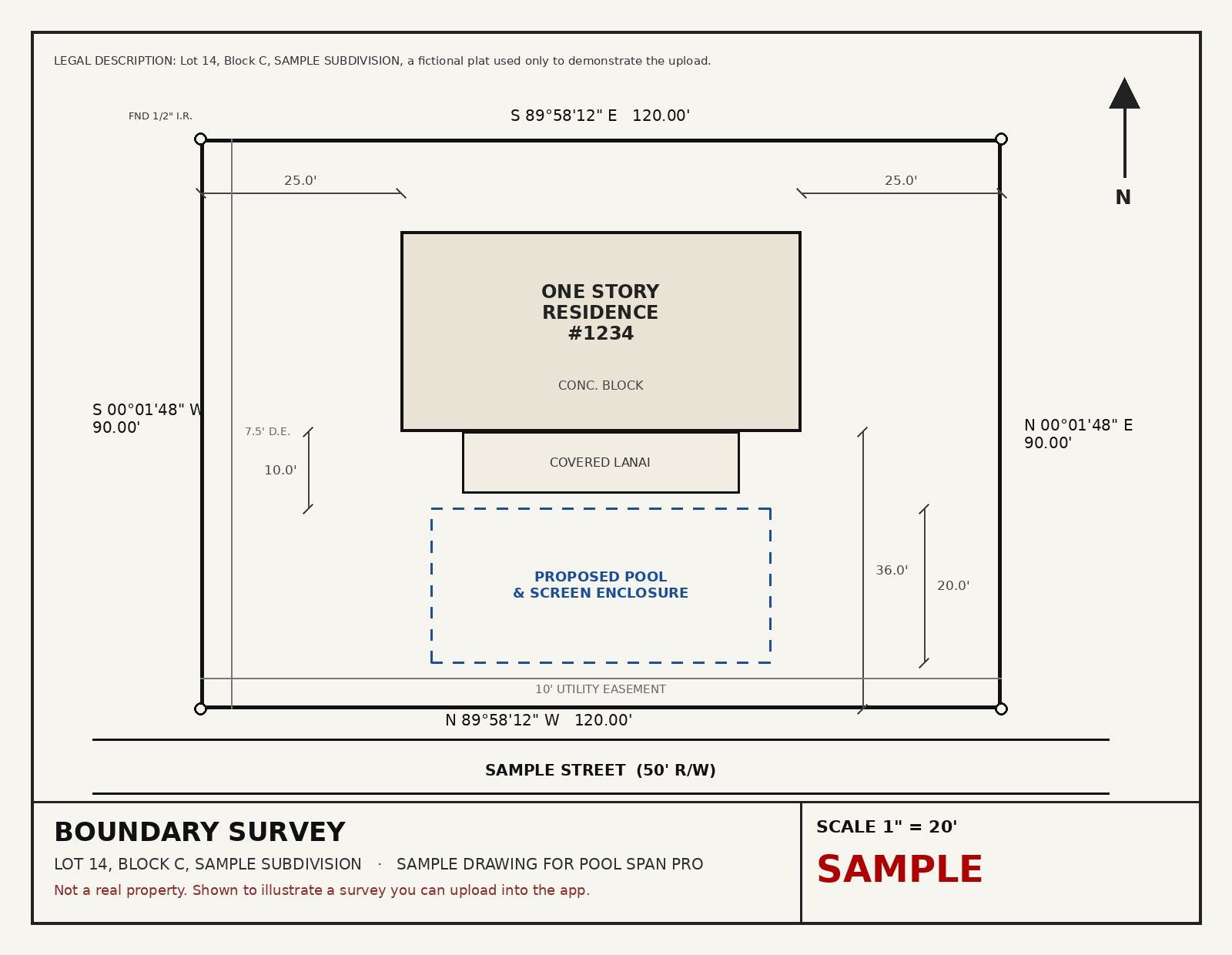
What you upload. A sample survey, not a real property.
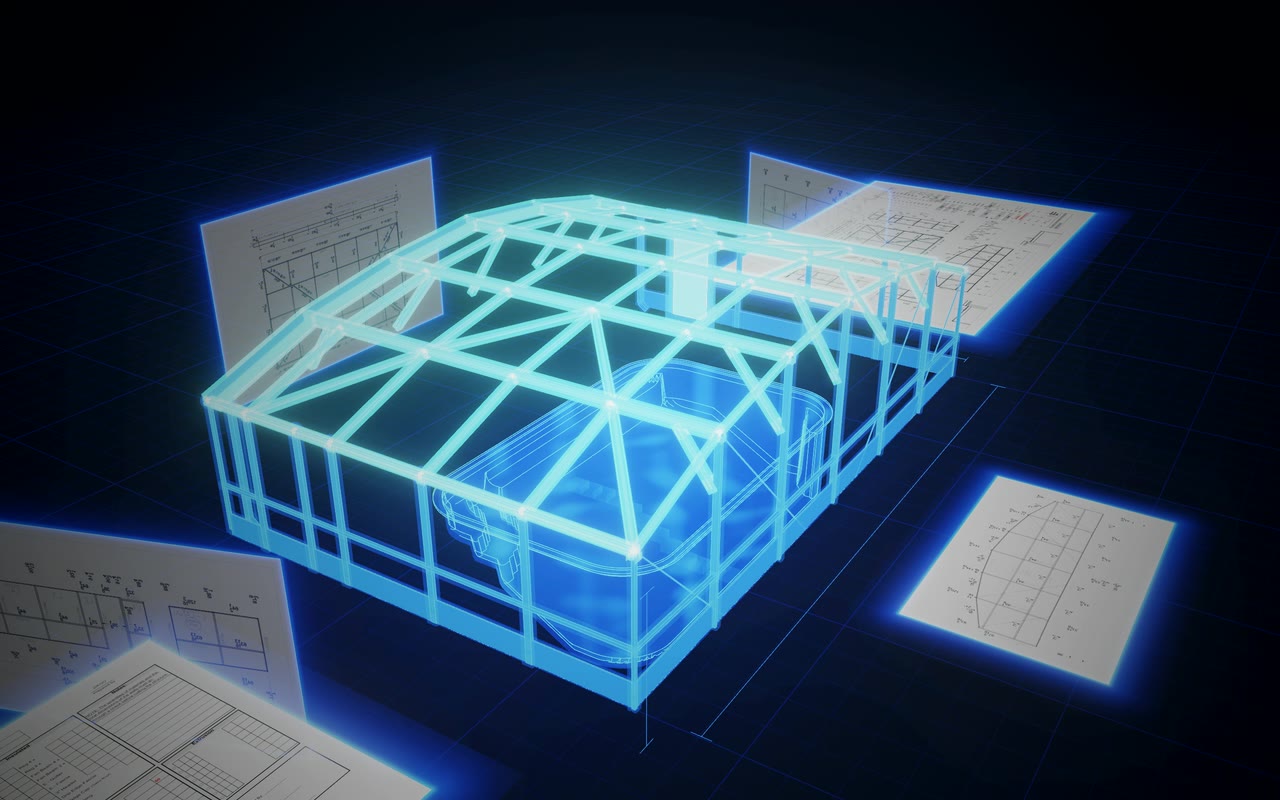
What you get. The survey on the 3D ground and the enclosure built over it.
Watch the survey land.
Four real frames from the app. Layout 3D, top down, the night scene, then scaled from two points.
Or start from the engineer's layout.
The dimensions come off the sheet. Every value stays editable. Layout tests flag anything the model and the sheet disagree on.
Your engineer's layout, read in.
- Overall, Lanai and left wall, Front wall, Right wall, Roof framing, Order sheet and Site photos
- Width, projection, wall height, roof, bay spacing and member sizes come off the print
- Every value stays editable, nothing is locked
- Zoom, fit, full screen, download any sheet
- Member sizes come only from the engineer's sheet. Anything not entered prints as NOT ENTERED
Photos of the backyard, front yard and both sides upload to the same job. Each file is 8 MB or less.
Put it on your crew's phones.
Licenses are for pool enclosure builders and pool companies. Two short steps and the request comes straight to us.