Step 5
Every job from lead to installed in one app.
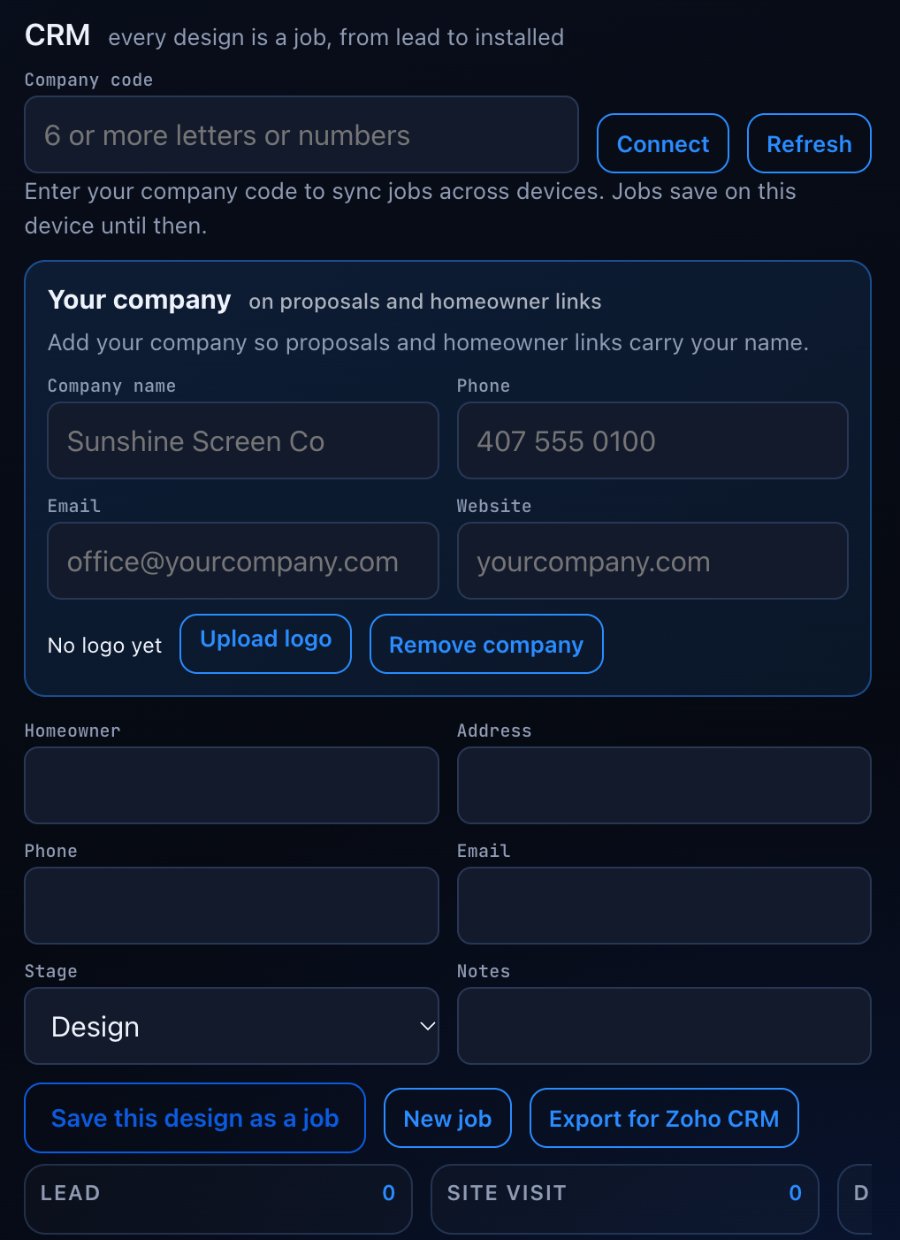
Every design is a job in the CRM built in. Your unit prices feed the estimate, the estimate feeds a five phase proposal, and the homeowner approves by name.
Every design is a job, from lead to installed.
The CRM sits inside the same app. Save a design as a job and it moves down the pipeline with the customer.
- Homeowner, address, phone, email and notes on every job
- A stage for every job with a count at each stage
- Save this design as a job, or start a New job
- Company code that syncs jobs across devices
- Export for Zoho CRM
Know your cost before you quote.
The Estimate takes your unit prices and adds up everything in the model. No prices are ever printed on the material list or the layout sheets.
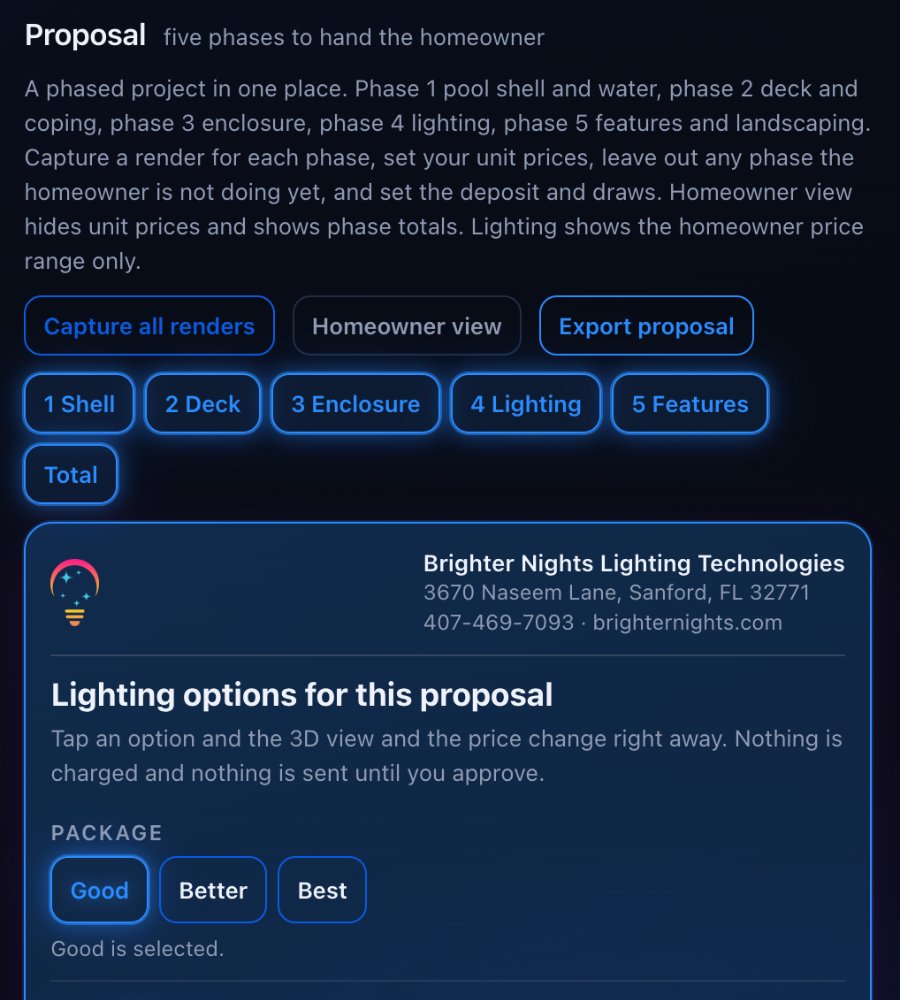
Your prices. Five phases. One proposal.
Type your unit prices once in the Estimate. The proposal totals each phase. Tap a phase.
Leave out any phase the homeowner is not doing yet. Try it.
The homeowner sees phases, not line items.
- Capture a render for each phase, or Capture all renders at once
- Set your own unit prices and leave out any phase the homeowner is not doing yet
- Month or season for each phase
- Set the deposit and draws, each draw a percent of the balance and due when its phase is complete
- Homeowner view hides unit prices and shows phase totals
- Lighting shows the installed price range, and you enter your quote inside it
- Export proposal
The estimate prices the track and sconce systems in the app automatically from the contractor price guide and adds up everything else at your prices.
Put it on your crew's phones.
Licenses are for pool enclosure builders and pool companies. Two short steps and the request comes straight to us.